|
 |
 |
Create the Icons for your APPS and Web automatically!
Save over 80% compared to a set of equivalent apps and tools.
Quick Icons combines 6 apps in one easy-to-use app:
1. App Icons Creator,
2. App Launch Images Creator,
3. Creative Overlays Library,
4. Asset Catalog Creator,
5. Web Icons Creator,
6. Images Compressor.
WHAT USERS SAY:
- “Great app! I’ve used it to make lots of icons with my lots of images. Nice job! It’s a creative app!”-david spadilla from United Kingdom
- “A really good tool to make your own icons quickly and easily.” - by johannesbue from Germany
IT’S SIMPLE
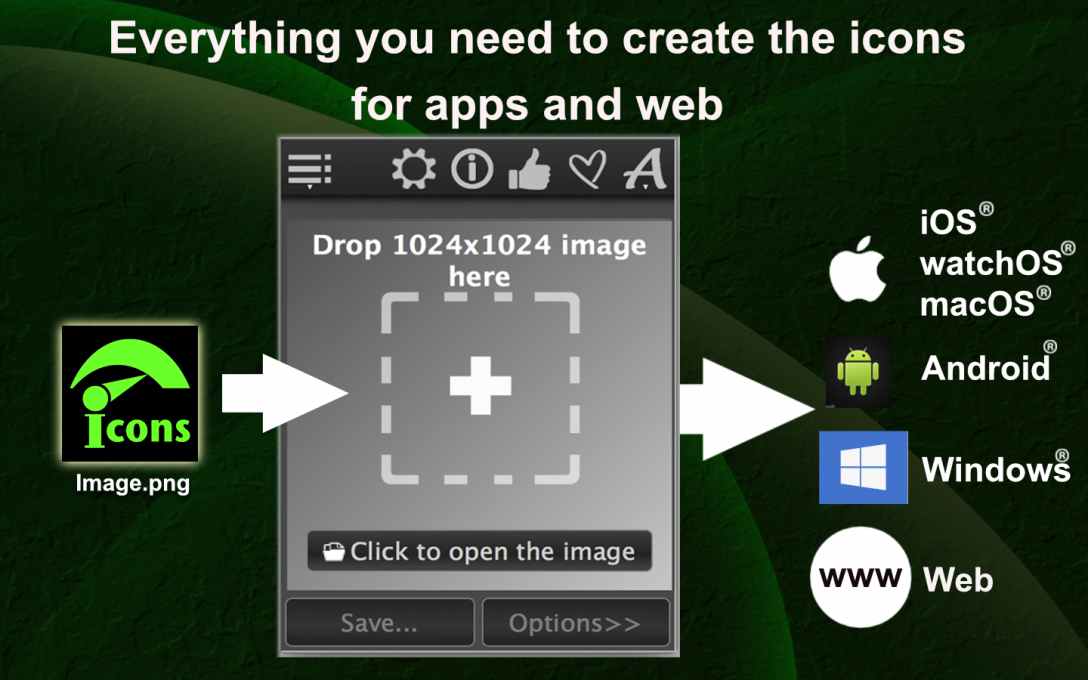
Just a few clicks and you are done! Drag and drop an image to the app window. Select a name for the newly created icons and choose the location where you want to save them. Click save and Quick Icons will do the rest for you!
There are no minimal or maximum resolution requirements for the image you drop in the app.
After the creation process is done, the app takes you to the icons location.
EMBEDDED COMPRESSION
Use a lot less space for your icons in the app assets, on the hard drive, and reduce the size of the app installer!
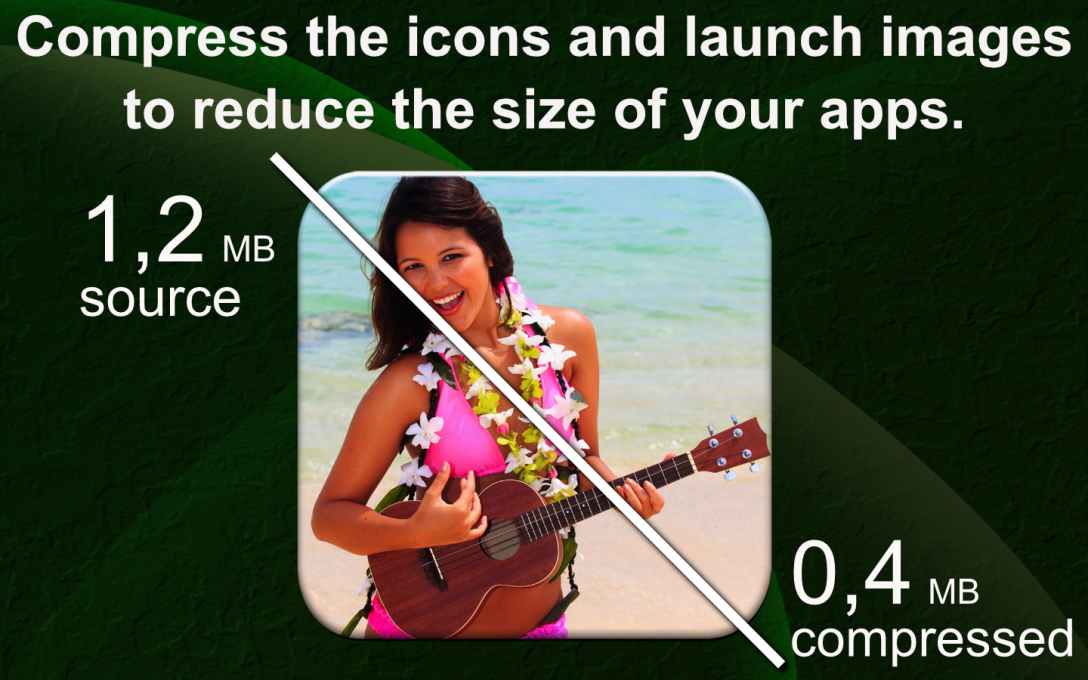
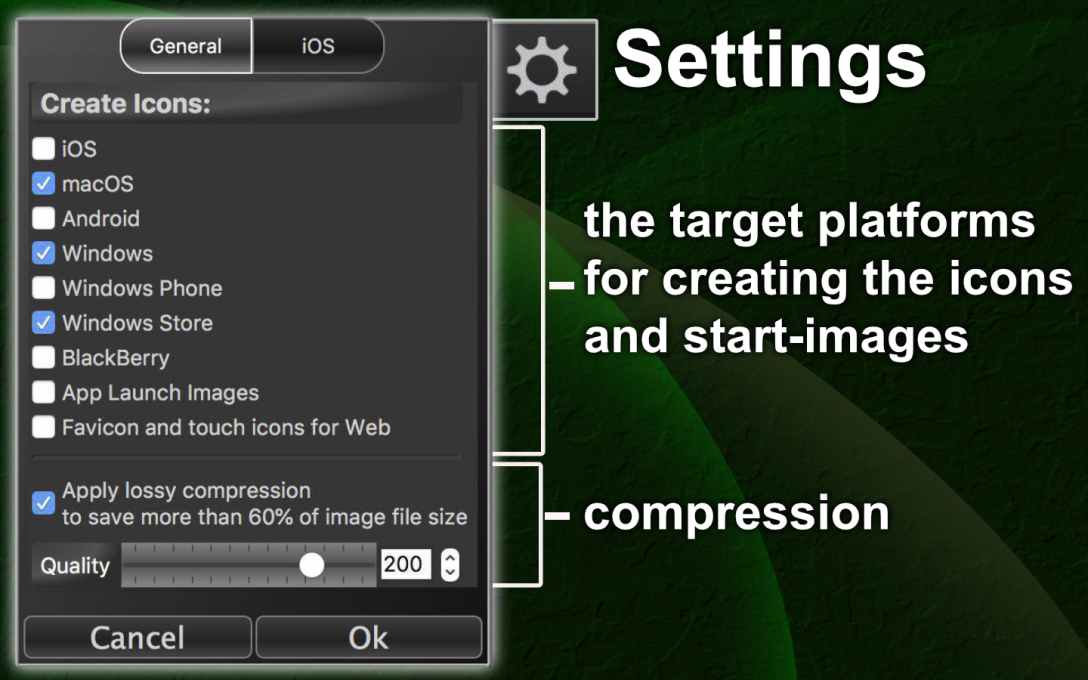
There is no need for an extra tool to compress your icons and launch images afterwards because the “Quick Icons” is the first icon creation app with its own embedded compressor. The compression can potentially save over 60% space for icons, diminishing image quality only slightly.
CREATIVE OVERLAYS
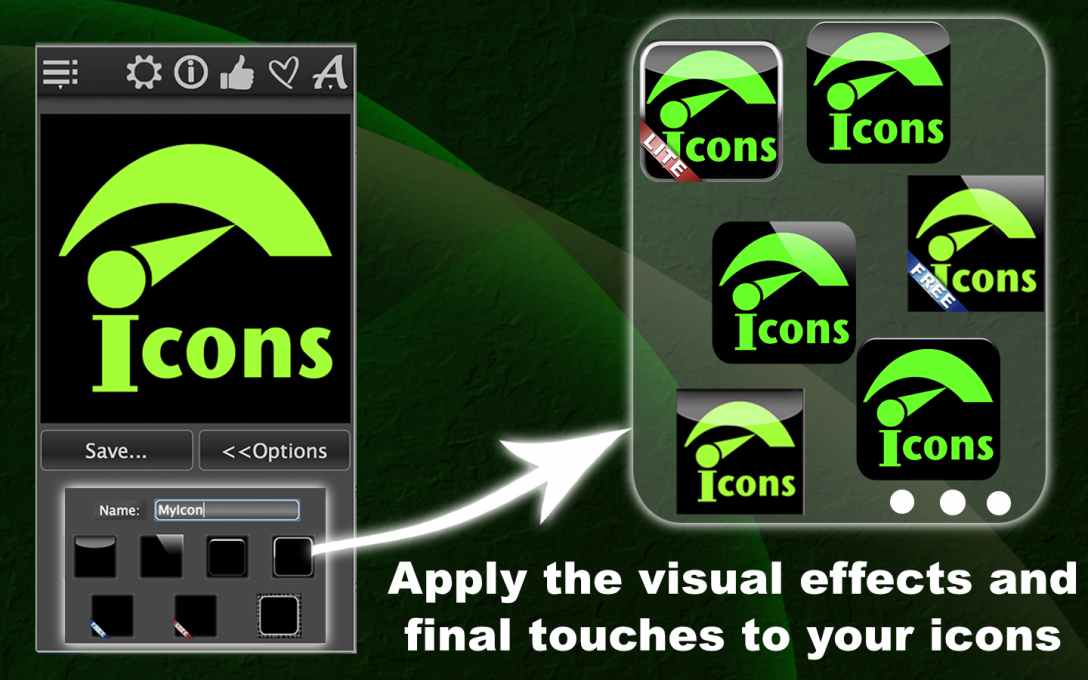
Apply visual effects and final touches to the icons.
APP ASSETS CREATION
“Quick Icons” creates a full set of icons and launch images you’ll need to make an app for iPhone, iPad and Apple Watch, Android, macOS and Windows.
SUPPORTTED PLATFORMS AND FORMATS FOR ICONS
- iPhone, iPad and Apple Watch (standard & retina png-files),
- macOS (.icns and iconset standard & retina),
- Android (All icons for ldpi, mdpi, hdpi, xhdpi, xxhdpi, xxxhdpi resolutions),
- Amazon App Store (png-files),
- Windows (.ico and png-files),
- Windows Phone (png-files),
- Windows Desktop App Store and App (png-files),
- BlackBerry (png-files).
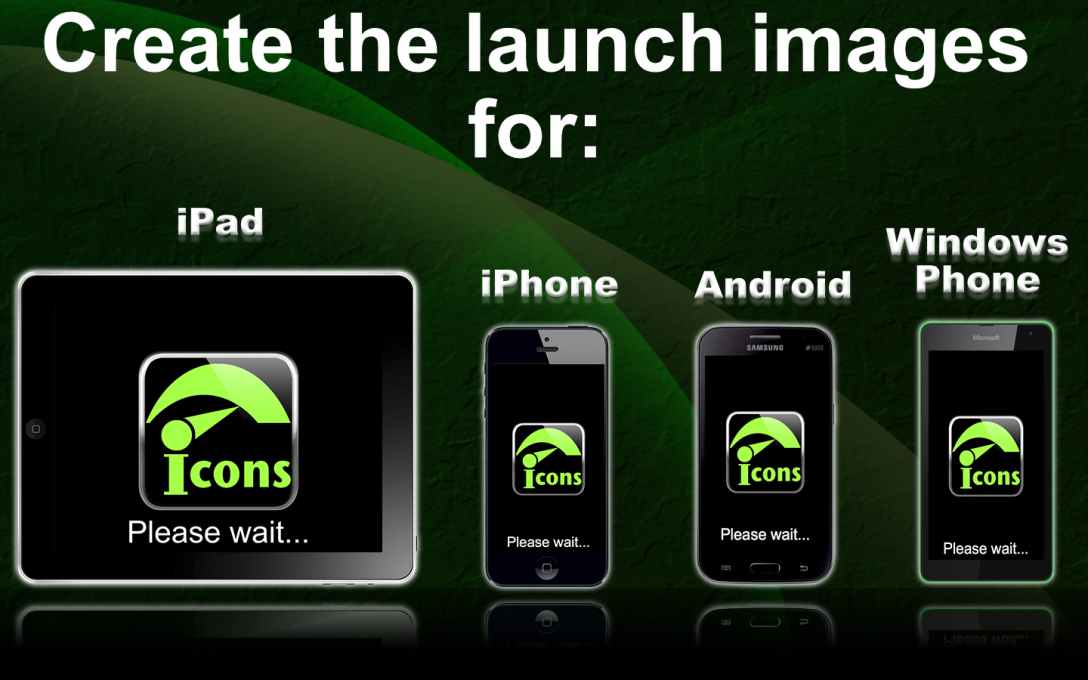
SUPPORTTED PLATFORMS FOR LAUNCH IMAGES & SCREENS
- iOS,
- Android,
- Windows Phone.
WEB ICONS CREATION
- Classical favicon.ico (48×48),
- Touch icons for iOS (png-files),
- Touch icons for Android (png-files),
- Touch icons for Windows (png-files),
- Favicons (png-files).
Download Quick Icons now! Try our lite version of Quick Icons Lite!